
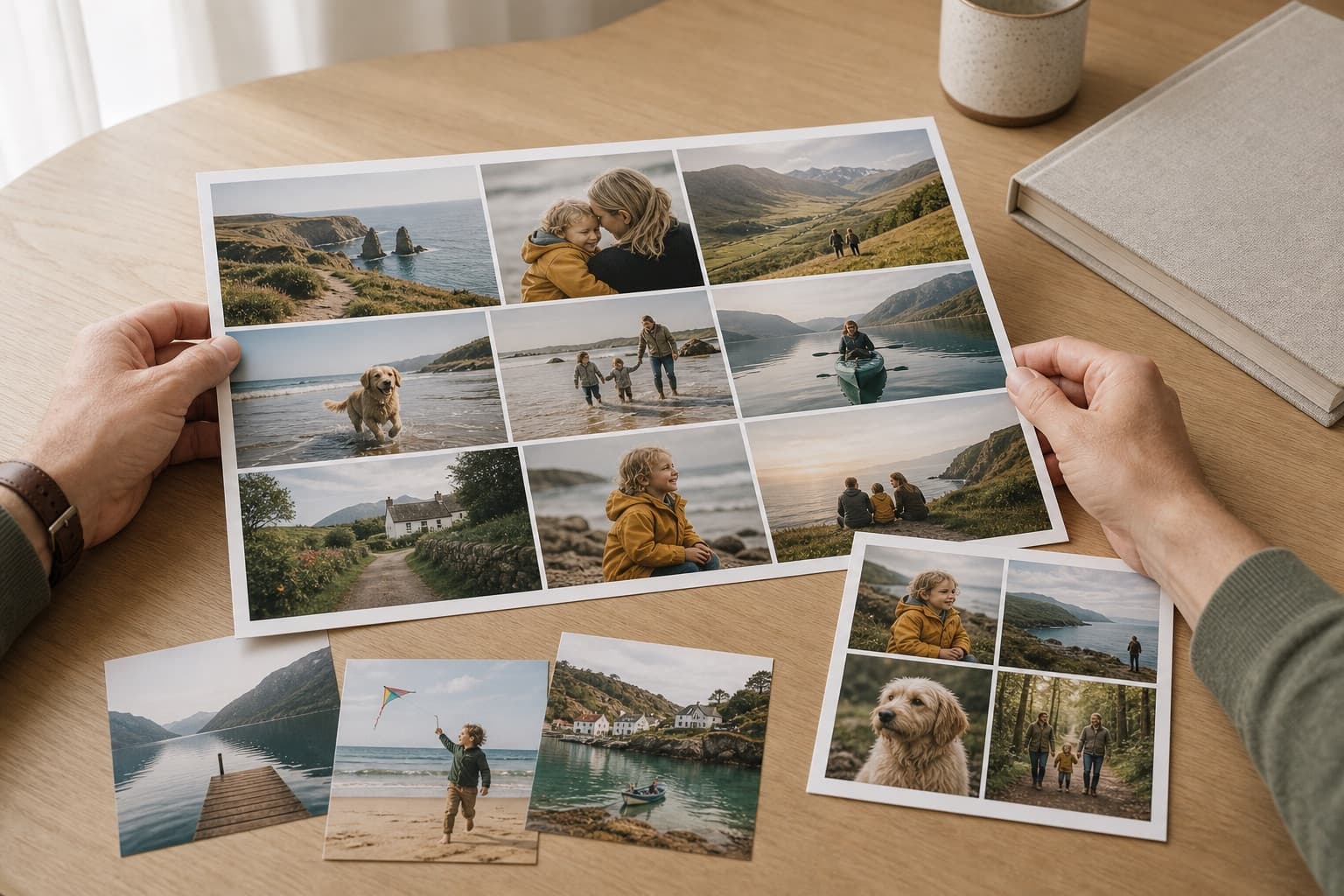
A good photo collage tells one clear story. The answer is rarely to include every available image. A tighter selection, one visual anchor and consistent editing will make the finished print easier to understand from across the room.
Decide what the collage is about
Choose a single occasion, person, trip or time period. Remove photographs that repeat the same expression or moment. A birthday collage might need the arrival, candles, guests and one strong portrait—not ten nearly identical group shots.
Give one image more importance
Select the clearest photograph as the focal point and give it a larger or central position. Supporting pictures can supply detail and variety without competing equally for attention.
Use fewer photographs on smaller prints
Each image becomes physically smaller as the number of cells increases. Faces, pets and fine detail need enough space to remain recognisable. If you have many essential photographs, choose a larger collage or divide the story into two coordinated prints.
Balance colour and brightness
Place very dark, bright or strongly coloured images around the layout rather than clustering them in one corner. A consistent set of edits can help, but avoid heavy filters that remove natural skin tones or shadow detail.
Crop every cell deliberately
Check that faces, heads and text remain inside each cell. Leave some background around people and avoid using already-cropped screenshots. The original files give the layout more flexibility.
Do a final distance check
Look at the whole design rather than inspecting one cell at a time. The focal photograph should be obvious, spacing should feel even and no corner should look unusually heavy. Also proofread any names, dates or captions before ordering.
Create a Photo Zone collage print · Check image resolution before printing