
Photo Zone home
Next Day DeliveryOrder withintoday
Baby Photo Prints

Print the Small Changes Before They Disappear Into the Camera Roll.

Choose practical print sizes and finishes for newborn photographs, monthly milestones, family gifts and baby memory boxes.

Glossy or LustreCrop PreviewUK Lab Checked
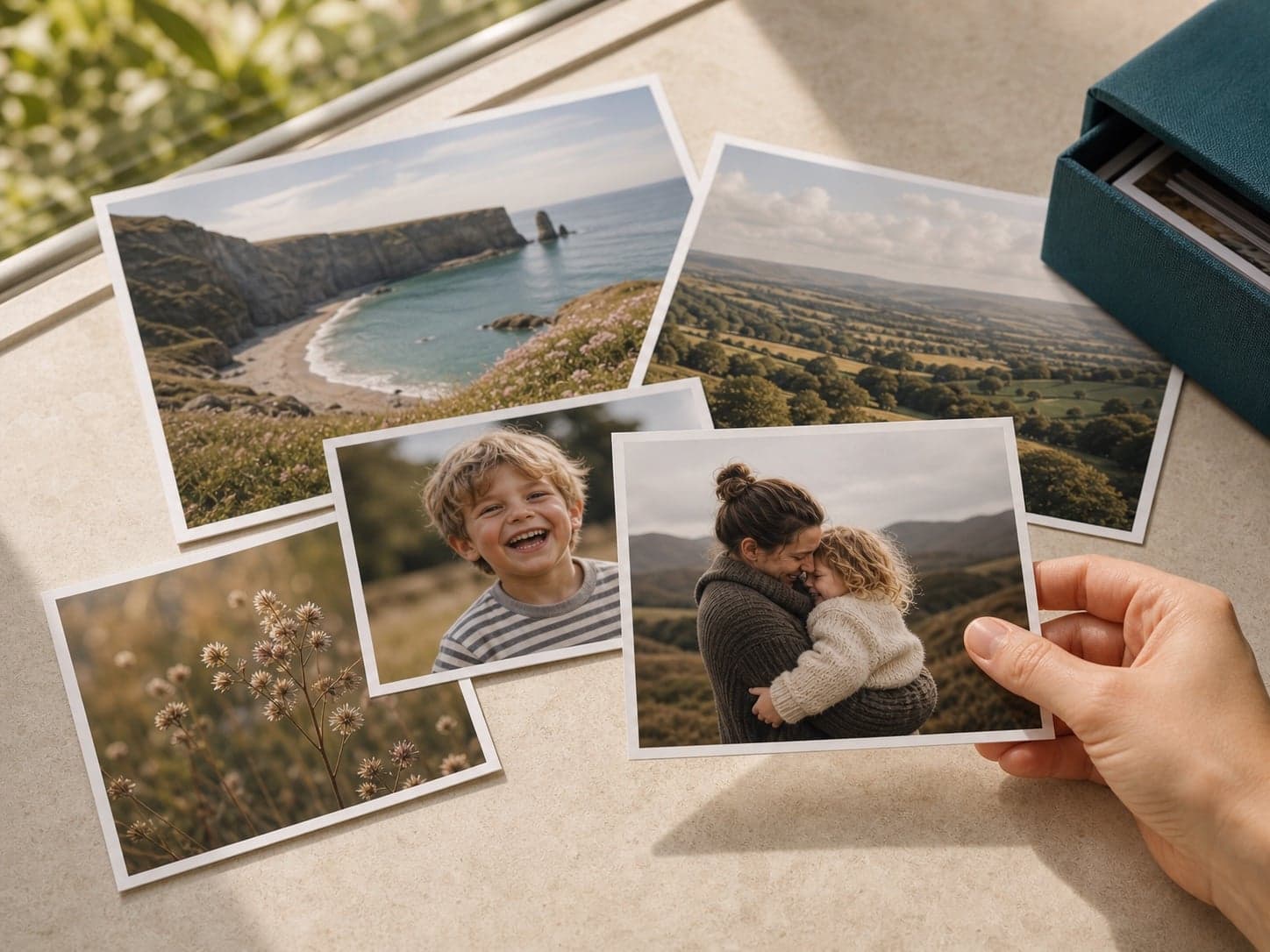
A hand holding a family photo print among a collection of printed photographs

Choose the purpose first—album, gift, memory box or wall—then match the print format to the photograph.

Start with the purpose

One Gallery, Several Jobs.

Baby photos arrive in bursts: sleepy portraits, low-light phone pictures, family visits and dozens of almost-identical expressions. A simple mix of archive prints, square favourites and a few larger gifts keeps the collection manageable.

A calmer way to order

Edit First. Size Second. Upload Last.

A little structure before uploading saves duplicate prints and makes crop decisions much quicker.

  1. 01

    Choose one from each burst

    Pick the expression with the clearest eyes or strongest connection instead of printing every near-duplicate.

  2. 02

    Check low-light sharpness

    Indoor phone photos can look crisp on a small screen but soften when enlarged.

  3. 03

    Build a repeatable rhythm

    A small monthly batch is easier to label and keep in order than one large annual sort.

Before you upload

Four Checks Worth Making.

  • Keep faces away from the outer edge of square and portrait crops.
  • Use the unedited original if a phone filter has made skin tones look too orange or grey.
  • Do not enlarge screenshots or images saved back from messaging apps unless there is no original.
  • Add dates to folders before uploading so milestone prints stay in sequence.
Finish guide

Lustre is the forgiving choice for soft portraits.

Its lower-reflection surface suits gentle skin tones and prints that will be passed around. Choose glossy when you want brighter colour in toys, blankets and outdoor family photographs.