Your Favourite Photo, Made Personal.
Turn one meaningful photo into a finished keepsake with a name, date, place, or short message. Choose the size, finish, font, and colour, then preview it before we print it in our UK lab.
- Next-DayTracked door-to-door
- 500+5-star Trustpilot reviews
- 1-HourStore collection available
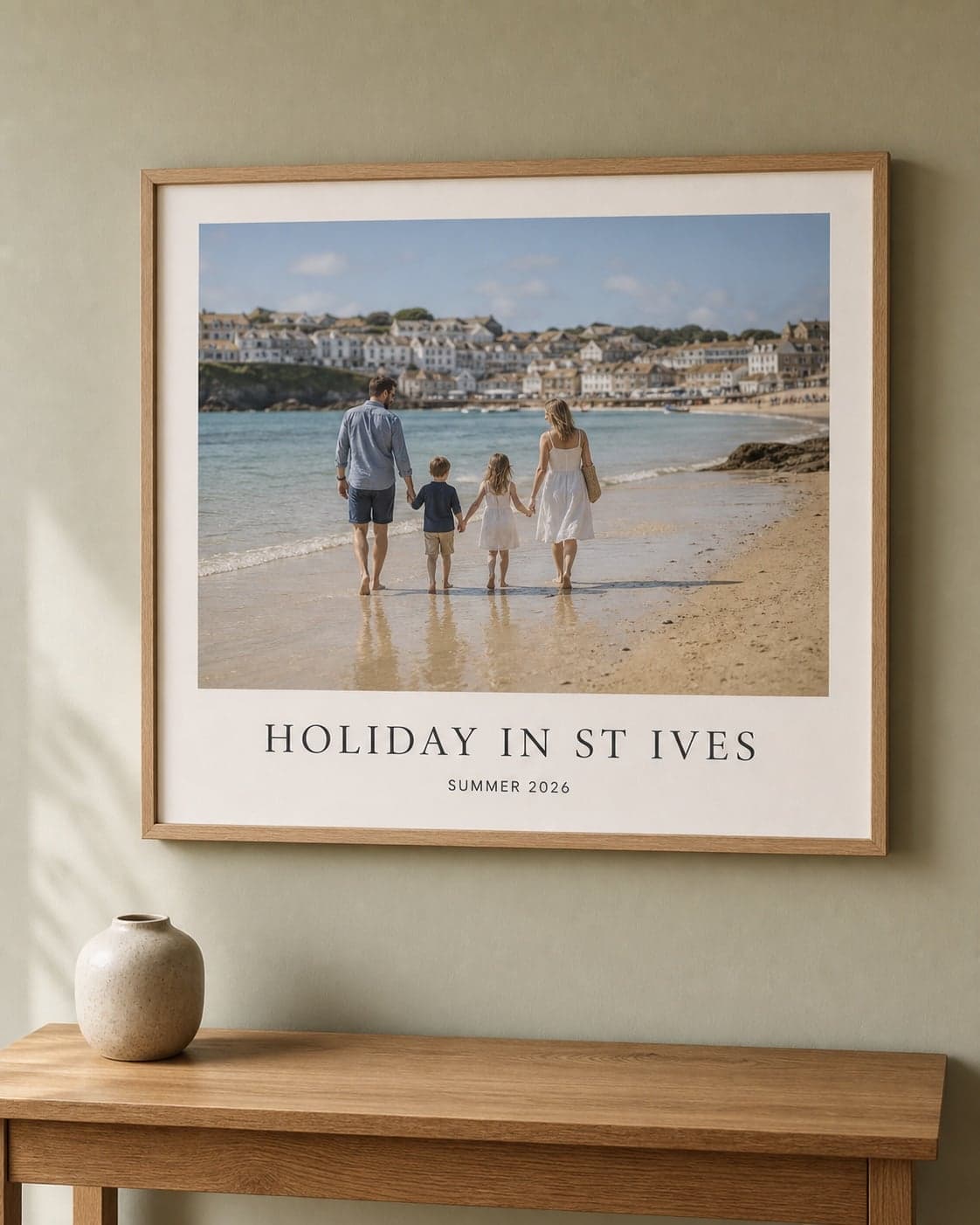
One Photo Can Say Much More.
Use the words that belong with the picture—a place, a date, two names, or a message only the recipient will understand.
- One favourite photo
- Main text + subheading
- 11 background colours
- 6 font styles
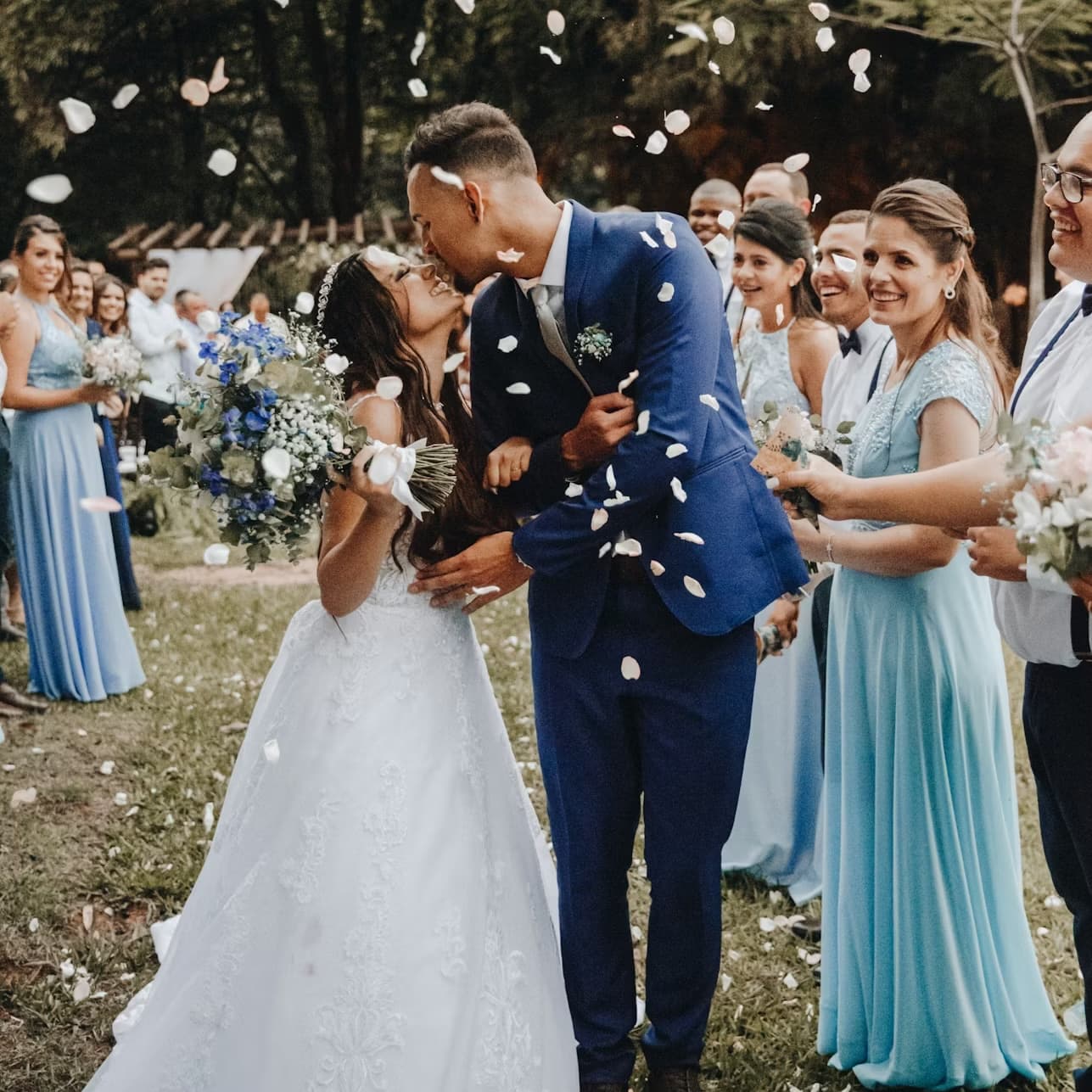
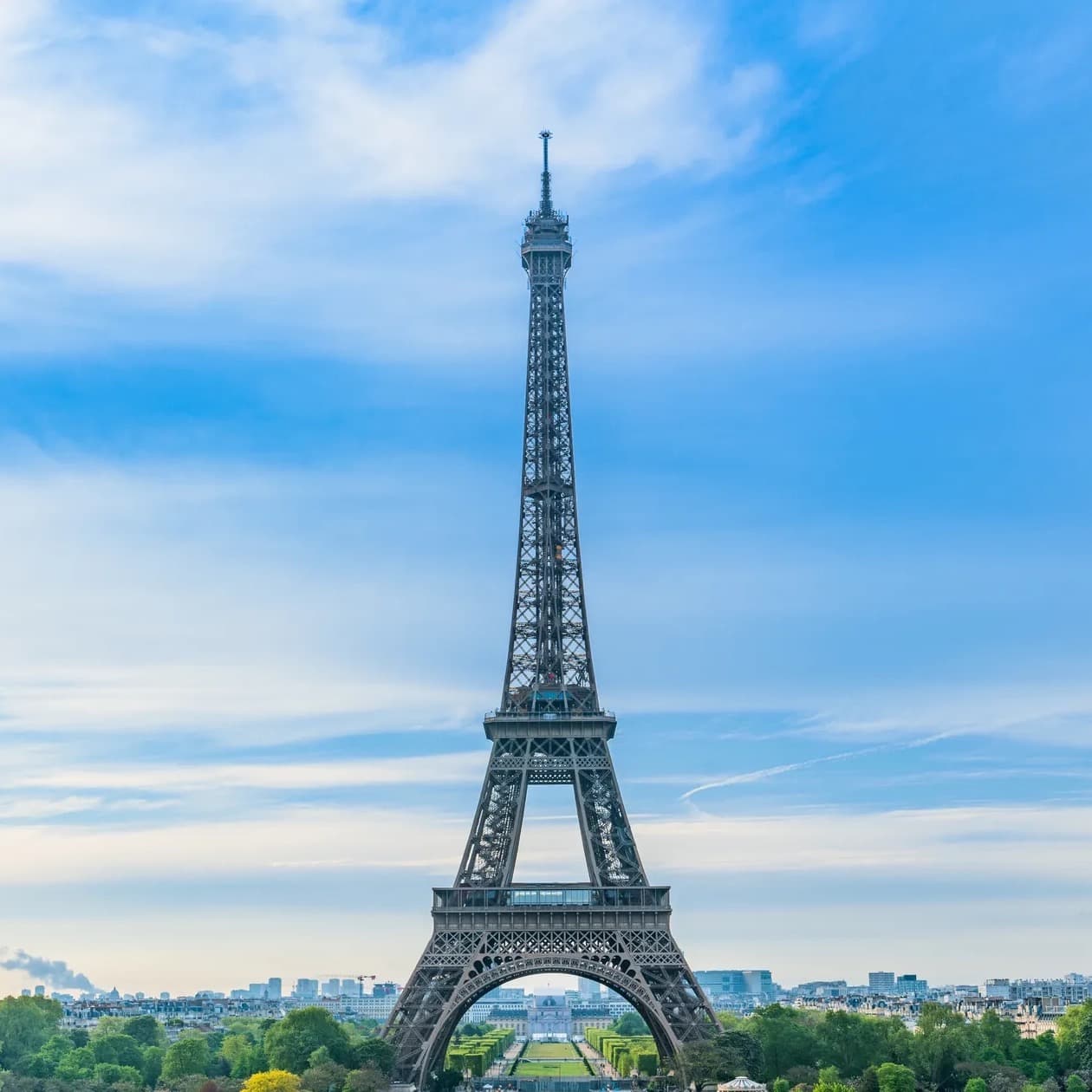
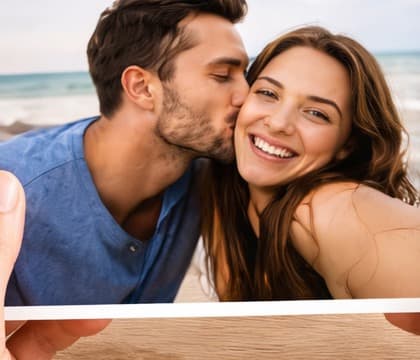
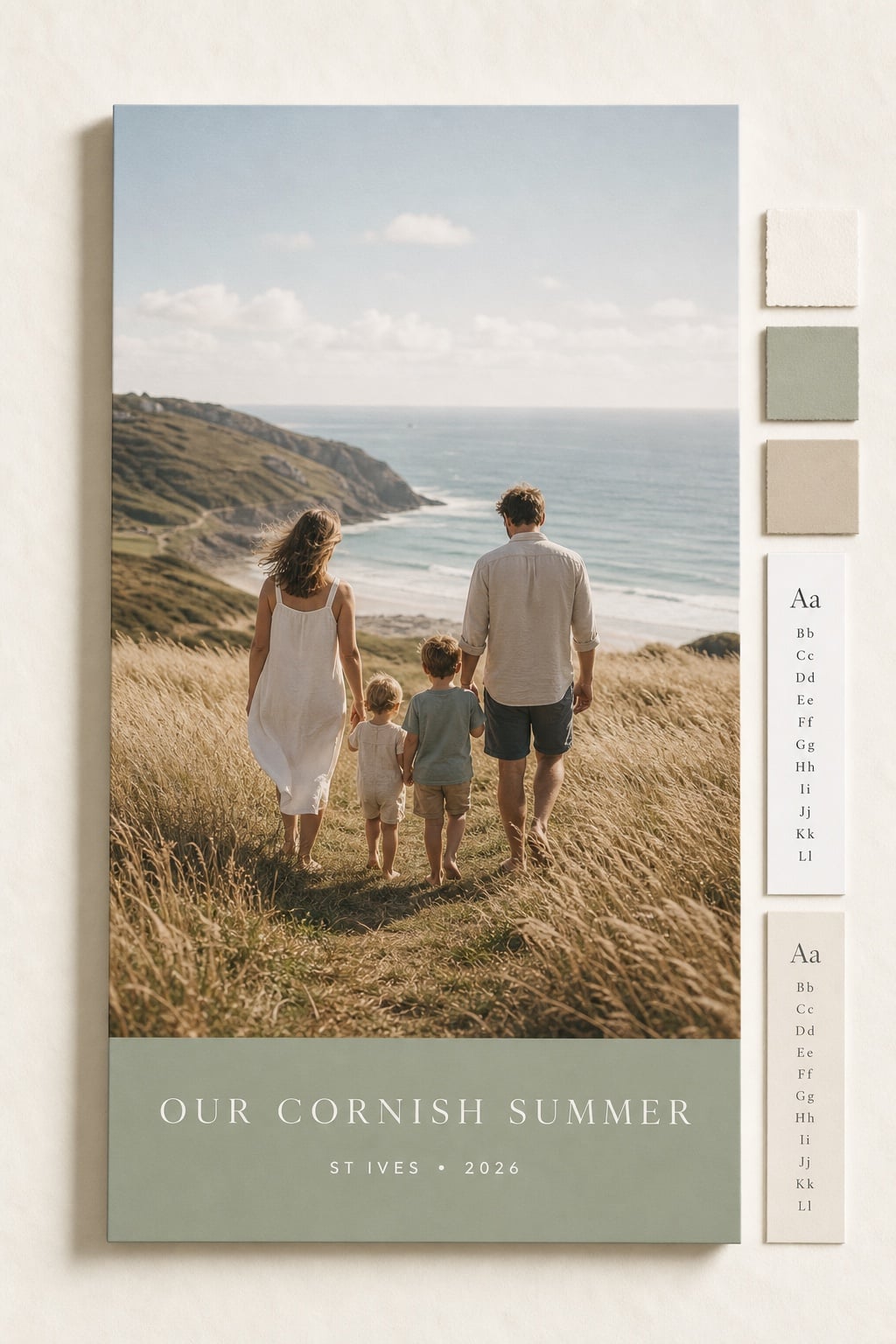
Add the Words Without Losing the Photo.
The layout gives your message its own space, while your picture still feels like a proper lab print. Adjust the crop, switch to black and white, and see the finished design as you personalise it.
- Main Text
- Name or message
- Subheading
- Optional second line
- Photo
- Crop, rotate, B&W
11 Background Colours
- White
- Cream
- Blush
- Sage
- Sky
- Charcoal
- Butter
- Terracotta
- Lavender Grey
- Mist
- Black
6 Font Styles
Choose the Finished Size in One Builder.
You do not need to choose a separate product first. Upload once, then compare the available classic, square, panoramic, large, and A-size formats before ordering.
Smaller formats start from 50p.
See Sizes in the Builder- Classic Sizes
- Everyday frame and album sizes for names, dates, school moments, trips, and small personalised gifts.
- 6x4", 7x5", 8x6"
- Square Sizes
- Clean social-style layouts for desks, grids, shelves, memory walls, and modern framed displays.
- 4x4" to 12x12"
- Large Prints
- Bigger personalised prints for statement gifts, wall display, events, and family milestones.
- 10x8", 12x8", 16x12"
- A-Size Prints
- Poster-style Text Prints for announcements, nursery walls, venue keepsakes, and framed messages.
- A5 to A0
- Panoramic Prints
- Wide photo-and-text designs for landscapes, travel memories, team photos, and long message layouts.
- Wide formats
From Photo to Personal Print in Three Steps.
- 01
Choose the Size
Choose the classic, square, large, panoramic, or A-size format that suits where the finished print will go.
- 02
Add Photo and Words
Upload one photo, write the main text, add an optional subheading, and choose the font and background colour.
- 03
Print It Properly
Select Glossy or Lustre where available, preview the design, and we print it in our UK lab.
Which sizes are available for Text Prints?
Choose from classic, square, large, panoramic, and A-size print formats, depending on the finish and size you need.
What can I add to Text Prints?
Add one photo, a main text line, and an optional subheading. The main text can be a name, place, date, short message, event title, or memory caption.
Can I choose the style?
Yes. Choose your font, background colour, Glossy or Lustre finish where available, and whether to print the photo in colour or black and white.
Can I change the crop?
Yes. After choosing a photo, you can zoom, reposition, rotate, reset, clear, or switch it to black and white before adding the Text Prints design to basket.
What are Text Prints best for?
They work well for named gifts, wedding and party keepsakes, travel memories, nursery prints, memorial dates, desk displays, and framed photo messages.
Make a Print That Says More.
Choose the size and finish, then add your photo, main text, optional second line, font, and background colour.