
Photo Zone home
Next Day DeliveryOrder withintoday
School Photo Prints

Order School Photos in Sizes That Fit the Way You Will Share Them.

A straightforward school photo printing guide for individual portraits, sibling pictures, class groups and family copies.

Glossy or LustreCrop PreviewUK Lab Checked
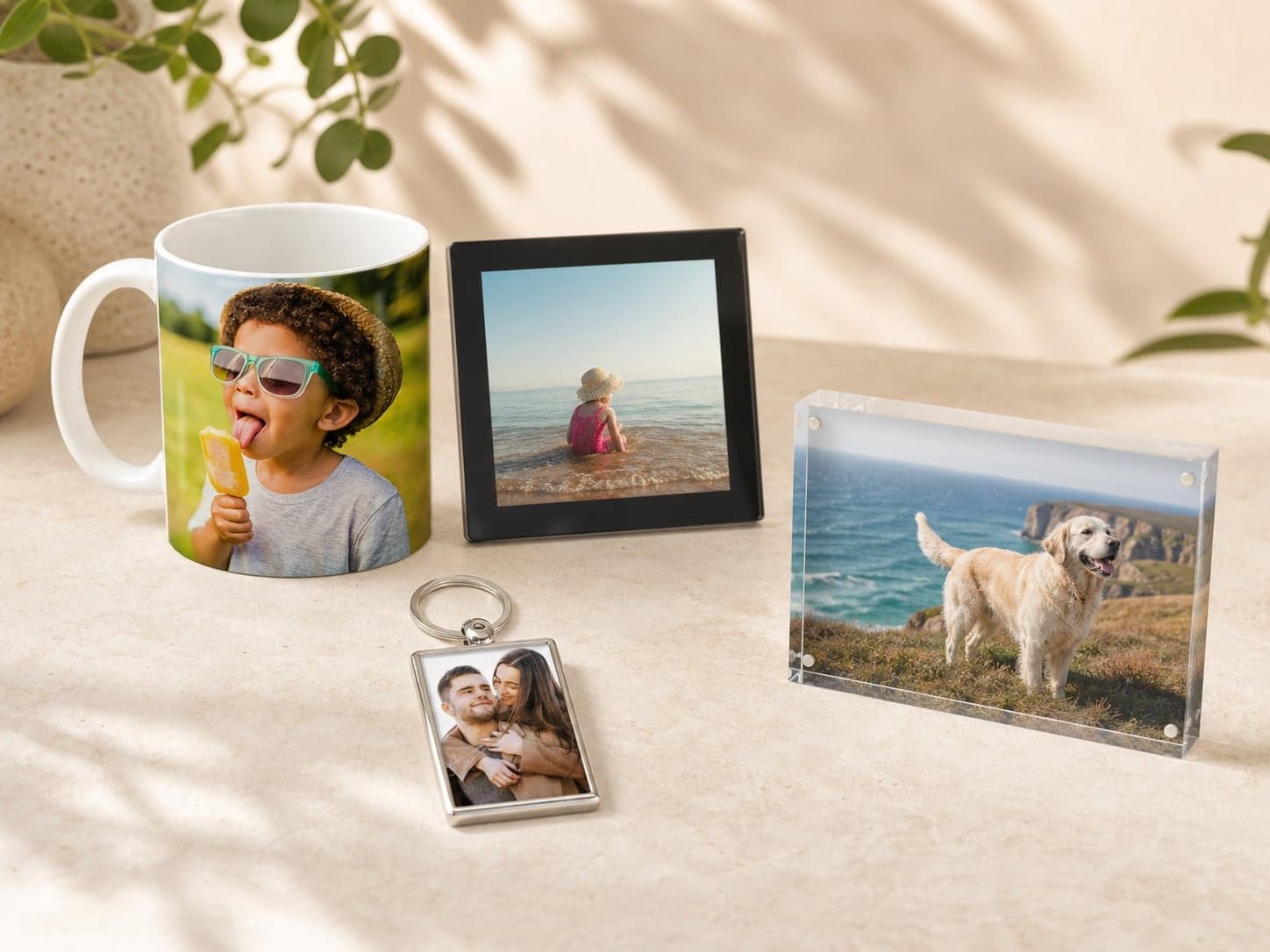
A selection of personalised photo gifts featuring family photographs

Choose the purpose first—album, gift, memory box or wall—then match the print format to the photograph.

Start with the purpose

One Gallery, Several Jobs.

School portraits are often supplied as digital files with plenty of empty space around the subject. Decide how many family copies you need first, then choose one larger print for home and smaller duplicates for sharing.

A calmer way to order

Edit First. Size Second. Upload Last.

A little structure before uploading saves duplicate prints and makes crop decisions much quicker.

  1. 01

    Count copies before sizing

    List parents, grandparents and households first so the same file is not ordered in several rushed batches.

  2. 02

    Match the photograph shape

    Class groups need a wide format; individual portraits normally work better in classic proportions.

  3. 03

    Check names and years

    Keep filenames or folders labelled before upload, especially when ordering for more than one child.

Before you upload

Four Checks Worth Making.

  • Use the full-resolution digital download supplied by the photographer.
  • Do not crop too tightly around hair, shoulders or a school crest.
  • Inspect every face in class photos before choosing a large size.
  • Keep sibling and individual portraits in separate folders to reduce ordering mistakes.
Finish guide

Lustre keeps portraits easy to view in changing light.

It reduces glare and fingerprints, making it a useful default for portraits and family copies. Glossy is a good alternative when maximum colour and contrast matter more than reflection control.