
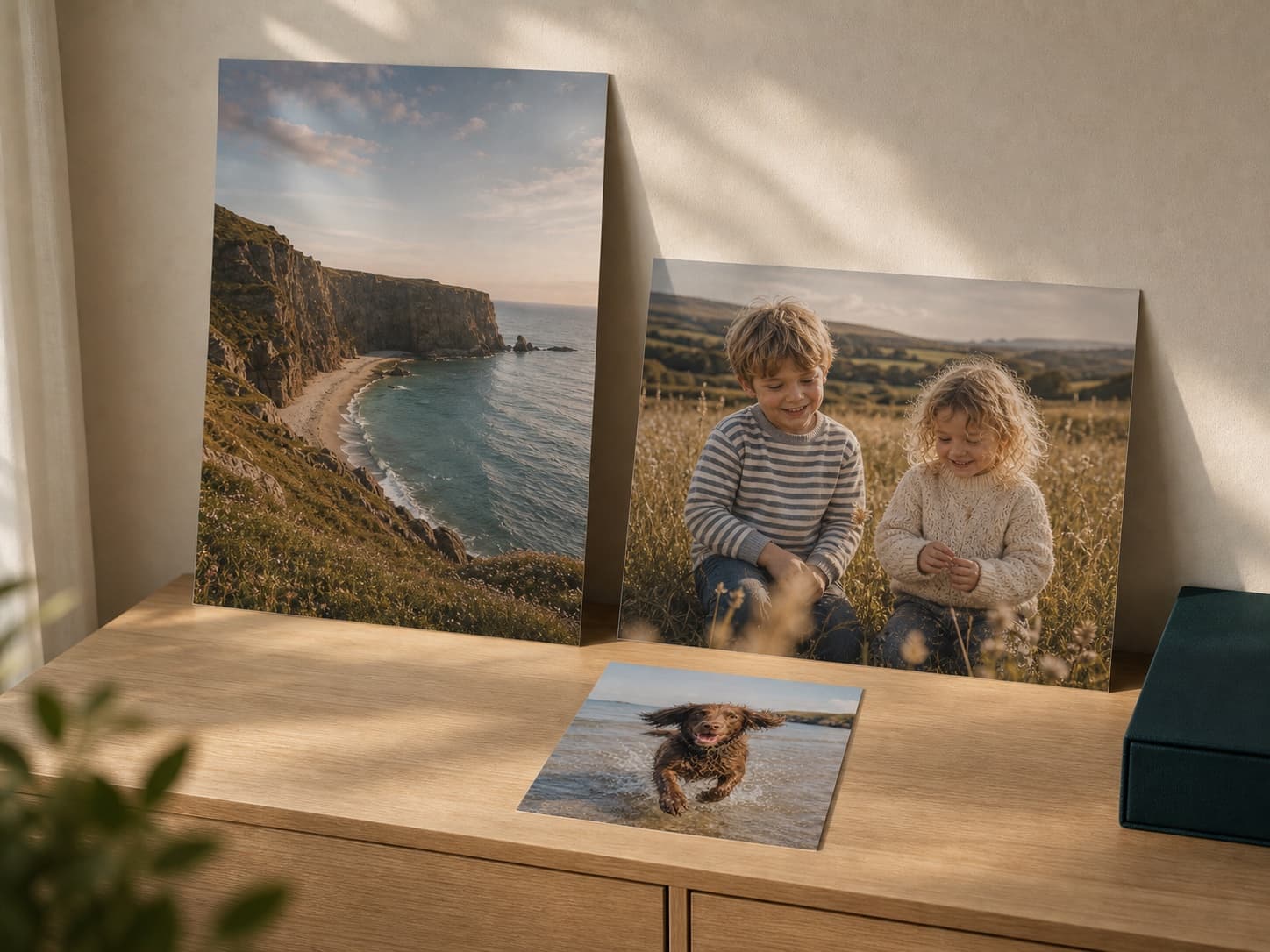
Print quality depends on pixel dimensions, focus, lighting and compression. A technically large file can still look poor if the subject is blurred or heavily processed.
Start with pixel dimensions, not file size
A large number of megabytes does not guarantee useful detail. Check the pixel width and height and inspect the subject at 100% view.
Use the original
Messaging apps, screenshots and social downloads often reduce resolution. Download the original from the phone or cloud library before uploading.
Viewing distance changes the requirement
Small prints are examined closely. Large wall pieces are viewed farther away, but they still expose blur and compression. Make a smaller test print when the file is borderline.
Watch for the real warning signs
- Soft eyes or faces
- Blocky edges from compression
- Heavy noise in dark areas
- Aggressive filters or digital zoom
- A crop that removes most of the original pixels