
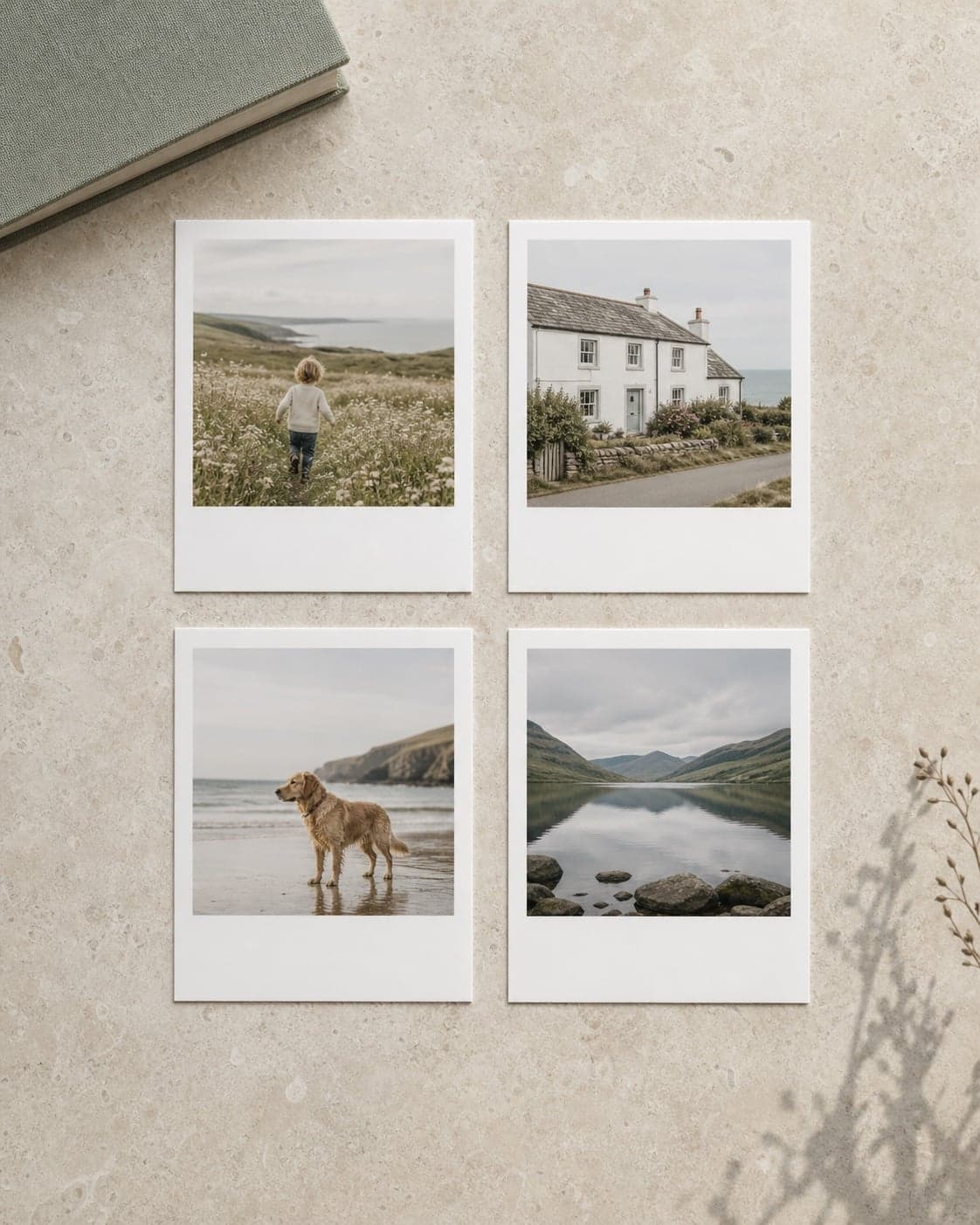
Retro prints combine a photograph with a generous border, creating space for a short caption and a format that feels informal and collectible. They work particularly well when a set has one theme and the photographs have been chosen for variety.
Build the set around one story
Use a holiday, first year, friendship, family celebration, pet or seasonal theme. Mix people, places and small details so the set feels like a sequence rather than repeated versions of one pose.
Choose photographs with simple centres
The image area is smaller than the whole print, so clear subjects work best. Keep faces away from the edge, avoid tiny group members and use the original file so the crop has enough detail.
Keep captions short
A place, date, name or brief phrase is usually enough. Treat the caption as a memory cue rather than a paragraph. Check spelling and keep the style consistent across the set.
Useful caption patterns
- Place and year: “Cornwall · 2026”
- Names: “Maya & Ben”
- Milestone: “First day home”
- Simple moment: “Sunday walks”
- Sequence labels: “Day 1”, “Day 2”, “Day 3”
Ways to use retro prints
Arrange them in a grid, add them to a memory box, peg them to a display line, include them inside a card or give a themed bundle with a small frame. For a stronger gift, edit the selection to the photographs the recipient will actually recognise and value.
Check the whole set before ordering
Review every crop and caption, then compare the group for duplicate images, inconsistent colour and accidental gaps. If a photograph does not suit the image window, choose another rather than forcing the crop.
Create Photo Zone retro prints · Learn how to choose a photograph for a gift