
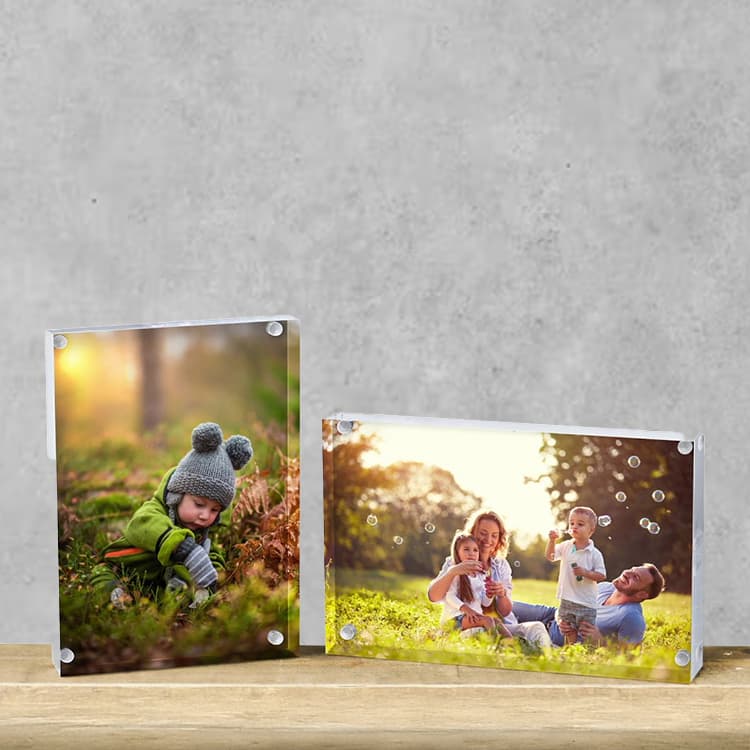
The best photograph is not always the favourite one on the phone. A personalised product needs an image that remains clear at its actual size and shape.
Match detail to product size
Use a single portrait or pet for a keyring or magnet. Choose a mug, block, slate or larger print when the image includes several people or meaningful background detail.
Use expression and connection
Sharp candid photographs often feel more personal than formal poses. Prioritise visible faces, natural light and a moment the recipient will recognise immediately.
Leave breathing room
Avoid important detail at the edges. Product curves, holes, mounts and crop areas can reduce the visible space.
Do a final gift check
- Use the original file
- Preview at product size
- Check spelling if text is included
- Confirm the current delivery date at checkout