
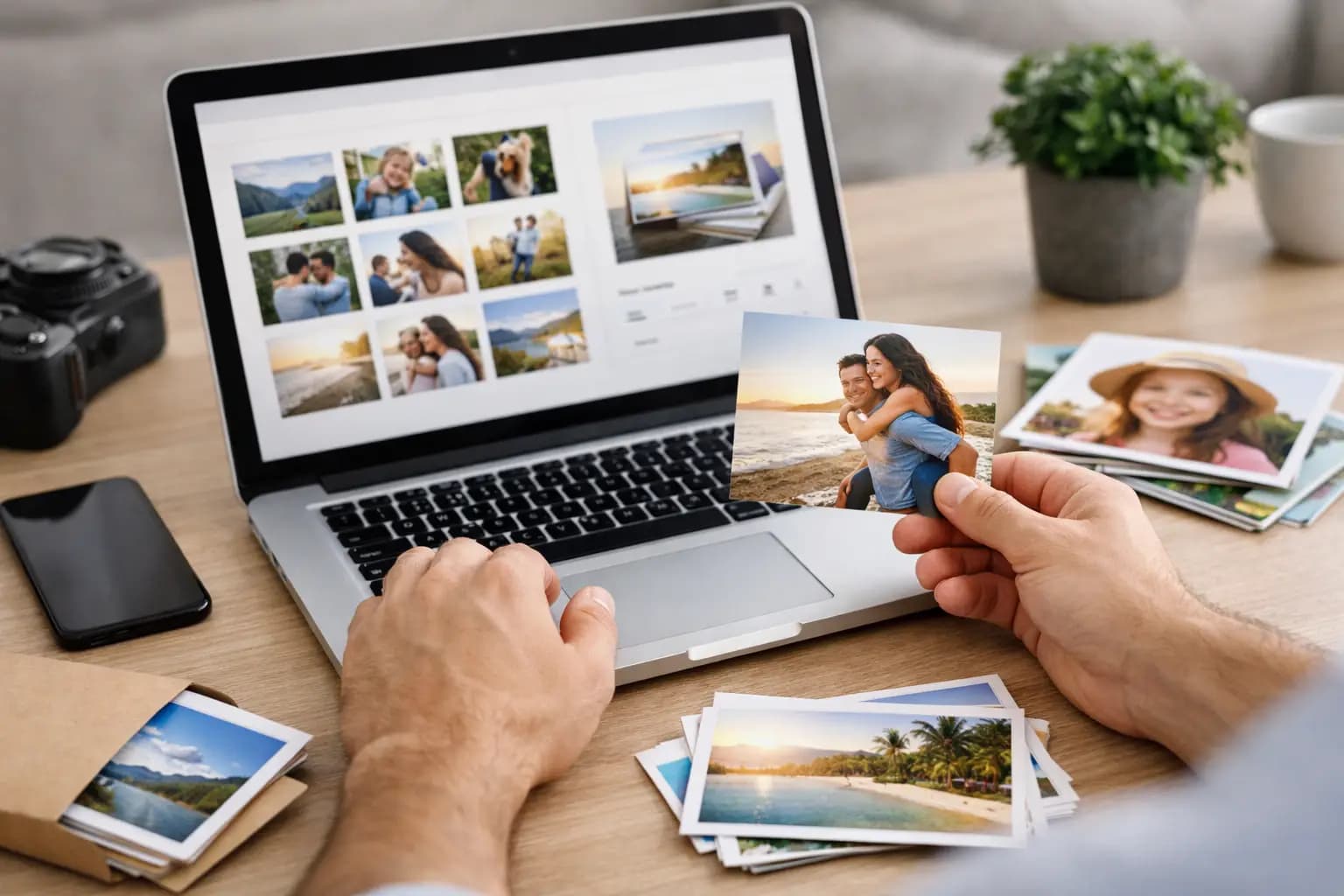
You usually notice the problem when your best photos are still sitting on your mobile phone. The family holiday, the dog that finally sat still for one decent picture, the birthday snapshot everyone wants a copy of - they stay digital for months because ordering prints feels like a job. Knowing how to order photo prints online properly makes it much quicker, and it also helps you avoid the common mistakes that lead to dark, blurry or badly cropped prints.
The good news is that ordering photo prints online is straightforward when you know what to check before you upload. Most people do not need technical knowledge. They need clear choices, sensible sizing, good print quality and a simple checkout. That is exactly what a reliable UK photo lab should offer.
How to order photo prints online without mistakes
The first step is choosing the photos you actually want to print. That sounds obvious, but it saves time to do a quick sort before you begin. Remove duplicates, screenshots and images that are too similar. If you are printing an album, think about the story you want the prints to tell. If you are printing for frames, focus on the final display size first.
Next, check the quality of the image. A photo that looks fine on a mobile phone screen can still print poorly if it is heavily cropped, downloaded from social media, or taken in very low light. In most cases, original images from your mobile phone camera will be suitable for standard print sizes. Problems tend to appear when customers try to enlarge a small file too far. If you want a larger print, canvas or wall art, it is worth using the highest-resolution version you have.
After that, choose the print format that matches the photo. Standard prints are the easiest option for albums, frames and general keepsakes. Square prints work well for social media-style images. Retro prints suit casual displays or gifts. Panoramic prints are a better fit for landscapes and wide group shots. If the image shape and print shape do not match, part of the photo may be cropped. That is not always a problem, but it is better to notice it before you order.
Picking the right size, finish and quantity
Size matters more than many people expect. A small print can be ideal for albums and sharing, while a larger print suits a frame or wall display. If you are unsure, think about where the print will go rather than choosing by habit. A 6x4 print is practical for everyday photos, but a favourite image often deserves something bigger.
Finish is the next choice. Gloss prints tend to give brighter colour and a sharper look, which works well for holiday pictures and everyday family photos. Matte prints reduce glare and fingerprints, so they are often the better option for albums, framed prints behind glass, or images that will be handled often. Neither is always better - it depends on how the print will be used.
Quantity is also worth planning in advance. Many customers only order one copy and then realise they needed extras for grandparents, relatives or separate frames. If it is a birthday, anniversary or school photo, ordering a few more at the same time is usually easier and better value than placing another order later.
Prepare your photos before uploading
A little preparation goes a long way. You do not need to edit every image heavily, but you should check a few basics. Make sure the photo is the right way up, not accidentally zoomed in, and not cropped too tightly around faces. If a person is close to the edge of the frame, they may be trimmed further during printing depending on the selected size.
Brightness is another common issue. Mobile phone screens are backlit, so images often appear brighter on screen than they do on paper. If a photo already looks slightly dark on your device, it may print darker still. A small adjustment before uploading can make a noticeable difference.
It is also worth avoiding filters that are too strong. High contrast, excessive smoothing and heavy saturation may look dramatic online, but they do not always produce the most natural-looking print. If the photo matters, a clean and simple edit is usually the safest option.
What a good online ordering process should look like
If you are wondering how to order photo prints online in the easiest possible way, the ordering system itself matters. It should let you upload from your mobile phone or desktop without making the process feel long-winded. For most customers, a no-account checkout is especially helpful because it removes an unnecessary extra step.
A good system should make print options clear from the start. You should be able to select your format, size and finish without hunting through pages of jargon. It should also show you if an image may crop in a certain format, so there are no surprises when the prints arrive.
Speed matters as well. If you are ordering for a gift, event or last-minute frame, turnaround time is part of the decision. A UK lab with tracked delivery is often a more practical choice than sending files further afield and hoping for the best. Fast service is useful, but only if print quality stays consistent.
Why lab quality makes a difference
Not all online photo printing is equal. The main difference customers notice is colour, sharpness and paper quality. Cheap prints can look flat, dull or soft, even when the original photo is good. A professional lab is more likely to produce balanced colour, cleaner detail and a finish that feels worth keeping.
That matters for ordinary family pictures just as much as it does for special occasions. Wedding guest photos, christening pictures, school portraits and holiday snaps all deserve to look right in print. If you are creating gifts or enlargements, quality becomes even more important because flaws are easier to spot at bigger sizes.
This is one reason many customers prefer a UK-based photo lab with a clear reputation for reliability. It gives more confidence around delivery times, product consistency and customer support if anything needs checking.
When standard prints are not the best option
Sometimes the photo itself is fine, but the product choice needs rethinking. A standout landscape may look better as a panoramic print or a framed wall piece. A set of mobile phone images from a party might work nicely as retro prints for a memory board. A favourite pet portrait may suit canvas or an aluminium panel better than a small glossy print.
The same applies to gifting. If you are already uploading photos for prints, it may make sense to use one or two images for a mug, slate, keyring or another personalised item at the same time. That is often more convenient than returning to the process later and starting again.
For customers with older images, specialist services can also be part of the journey. If your favourite family photos are still on film, VHS, slides or in ageing albums, those may need scanning, restoration or transfer before you can print them well. A business that handles both digital orders and heritage-format work can be especially useful because it keeps everything in one place.
A simple checklist before you place the order
Before you pay, take one final look at the practical details. Check the selected size, quantity and finish. Make sure the delivery address is correct. Review any crop previews carefully, especially for close-up portraits and group shots. If you are ordering gifts or event photos, confirm the delivery times are realistic for when you need them.
If you are printing a larger batch, it can help to group your order by purpose. Album prints, framed enlargements and gifts often need different sizes or finishes. Sorting them properly at checkout reduces confusion and helps you get the result you actually wanted.
For many customers, the best option is a service that keeps things straightforward: clear product choices, fair pricing, fast UK production and dependable print quality. That is why businesses such as Photo Zone appeal to families and everyday customers who want good results without unnecessary complexity.
Once you know how to order photo prints online, it stops feeling like a task you keep putting off. Pick the photos, choose the right format, check the crop, and place the order while the moment still matters.