
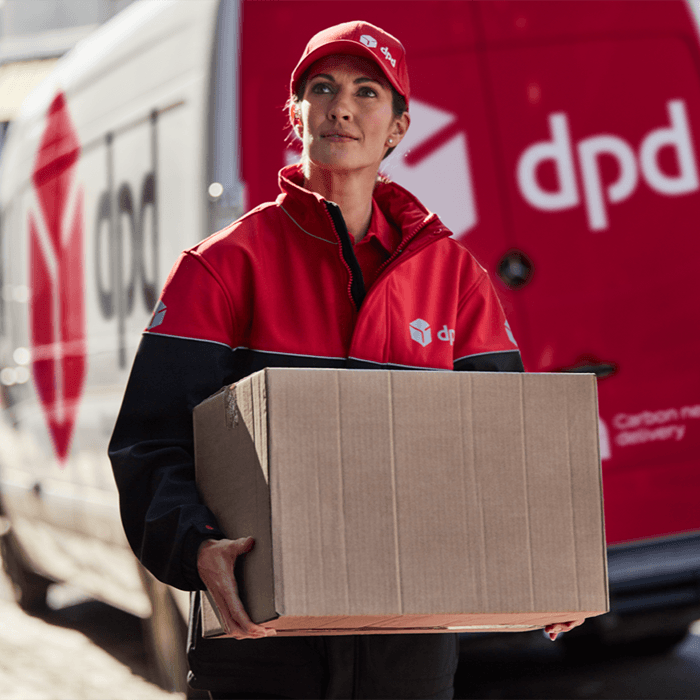
Next day photo printing is useful when you need photographs for a frame, gift, event or display without waiting through a long production window. At Photo Zone, every order is available with next day delivery when it is placed before the daily cutoff and the next day option is selected at checkout.
If you are ready to order, you can print photos online with next day delivery. The guide below explains the process and the checks worth making before you upload.
How next day photo printing works
Start by choosing your print format and uploading the original photos from your phone, tablet or computer. You can then select the size, quantity, Glossy or Lustre finish and an optional white border before checking the crop preview.
Place the order before the daily cutoff and select next day delivery at checkout. We print the order in our UK lab, pack it for the size and format you have chosen, and provide tracking once it is on the way. Orders placed after the cutoff move to the next available delivery date.
Which photo prints can be delivered next day?
Every Photo Zone order is available with next day delivery. That includes everyday classic photo prints, square and retro formats, panoramic prints, enlargements and A-size prints.
If you need something ready for a frame, A4 photo printing is a practical option for gifts, portfolios and home display. For a larger statement photograph or poster-style display, choose A3 photo printing. Both sizes can be ordered online with next day delivery.
Prepare your photos before uploading
Use the original image wherever possible. Screenshots and files saved from messaging or social media apps are often compressed, which can reduce sharpness when the photograph is enlarged. A clear, well-lit phone photo is normally suitable for standard sizes and many larger prints.
Check the crop carefully. Phone and camera images do not always have the same aspect ratio as the chosen print, so a small amount may be trimmed from the edges. Keep faces, text and important details away from the crop boundary, or add a white border if you want to retain more of the image.
Glossy or Lustre?
Glossy paper gives photographs a brighter, polished appearance with stronger contrast. It works well for colourful holiday photographs, family snapshots and album prints. Lustre has a softer, low-sheen surface that reduces glare and fingerprints, making it a strong choice for photographs that will be framed or handled frequently.
The finish does not change next day availability, so choose the one that best suits how the print will be used.
What happens after the daily cutoff?
You can still place the order, but the next available delivery date moves forward. The checkout gives you the most relevant delivery choice for the time the order is placed. Bank holidays or exceptional courier disruption can also affect the final delivery date.
For full details about cutoffs, tracking, packaging and collection, see our delivery information.
Ready to print your photos?
Choose the format that suits your photograph, upload the best-quality file you have and check the preview before ordering. When the deadline matters, order next day photo prints online and select next day delivery at checkout.