
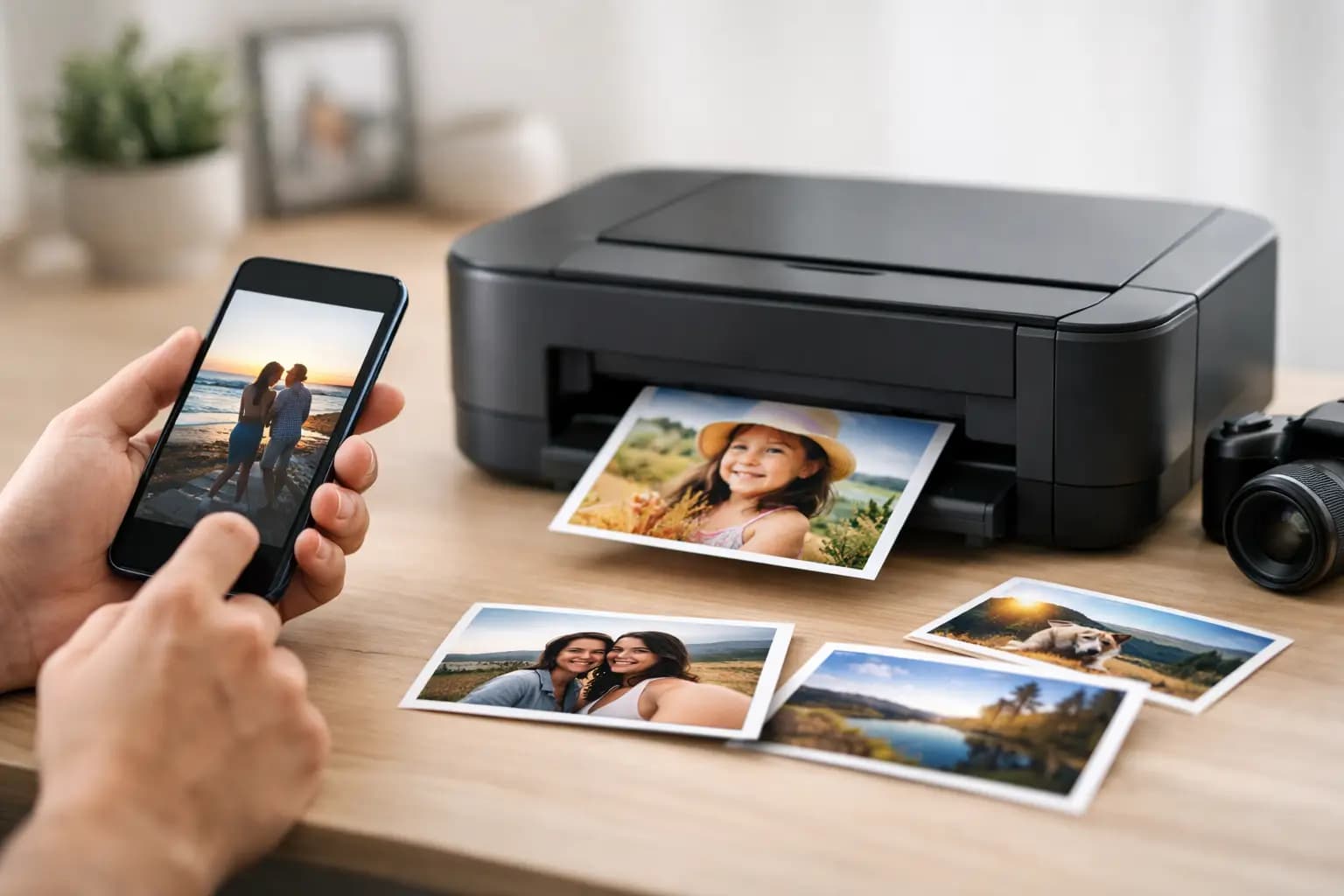
You do not need a camera, memory card or computer to get proper photo prints any more. If you are wondering can you print photos from phone, the short answer is yes - and for most people it is now the easiest way to order prints, gifts and enlargements without extra steps.
The part that matters is not whether it can be done, but whether the prints will come out well. That depends on the image quality on your phone, the size you choose, and where you send the order. A good mobile photo can produce sharp, colour-accurate prints, but there are a few things worth checking before you upload.
Can you print photos from phone without losing quality?
Usually, yes. Most modern smartphones take photos at a high enough resolution for standard print sizes such as 6x4, 7x5 and 8x6. If the photo looks clear on your screen and has not been heavily cropped or downloaded from a social media app, there is a good chance it will print well.
Where people run into problems is with compressed images. A photo sent through messaging apps or saved from social media may have lost detail. It can still be suitable for a small print, but if you want a larger enlargement, canvas or framed product, the file quality matters more. Original images saved directly on your phone are usually the safest option.
Lighting also makes a difference. A slightly soft image or dark indoor shot can still look fine as a small print for an album, but if you are ordering a gift or wall art, it is worth choosing the clearest version you have. Phone cameras are excellent now, though they still have limits in low light and heavy zoom.
The easiest ways to print from your phone
For most customers, online ordering is the quickest route. You select the photos from your mobile, choose your print size or product, upload them and place the order. There is no need to transfer files elsewhere first, which saves time and avoids confusion.
This works well for standard photo prints, but it is just as useful if you want square prints, retro-style formats, panoramics or photo gifts. Because everything starts on your phone, it is easy to turn recent family pictures, holiday snaps or birthday photos into something physical while the moment is still fresh.
Some people prefer in-store kiosks or local collection because they want help with cropping or product choice. That can be a sensible option if you are not sure which size suits the image, or if you are printing for a frame and need the proportions to match properly. Others are happy to upload from the sofa and wait for delivery. It really depends on whether speed, support or convenience matters most to you.
What to check before you order
A few simple checks can improve the final result. First, make sure you are using the original image on your phone rather than a screenshot or a forwarded copy. Second, look at the crop. Phones shoot in different ratios, and not every image fits every print size perfectly. If you choose a print shape that does not match the photo, part of the image may be trimmed.
This is not necessarily a problem. In many cases, a small crop is better than white borders. But if faces or important details are near the edge, check the preview carefully before ordering. This matters especially for group shots, school photos and holiday pictures where the subject fills the frame.
Colour is another point worth noting. Phone screens are bright and can make images appear more vivid than they will look on paper. Professional printing will give you a balanced finish, but printed photos naturally look different from a backlit display. That is normal, not a fault.
Best print sizes for phone photos
If your aim is everyday printing, standard sizes are the safest place to start. A typical smartphone image is usually more than good enough for 6x4 prints and often very good at 7x5 or 8x6 too. These are ideal for albums, photo boxes, noticeboards and casual framing.
Larger prints can work very well too, especially from newer phones. If the image is sharp and well lit, enlargements can still look excellent. The trade-off is that flaws become more visible as the print gets bigger. A slightly blurred image that looks fine on a small screen may not suit a poster-sized print.
Square and retro prints are often a good choice for mobile photography because many phone users already edit and shoot with social sharing in mind. They suit travel pictures, children’s photos, pet portraits and quick gift ideas. Panoramic prints can also work beautifully if you have taken a wide landscape or group image in good light.
Can you print photos from phone for gifts and wall art?
Yes, and this is where phone printing is often more useful than people expect. Many of the pictures sitting in your camera roll are perfect for mugs, magnets, slates, photo blocks, notebooks and other personalised items. You do not need a formal studio image for a gift to work well. A clear, well-framed photo with good expression often matters more.
The same applies to wall art. A modern smartphone can produce files suitable for canvas prints, framed enlargements and aluminium panels, provided the original image is strong enough. If you are unsure, it is sensible to choose one of your sharpest, brightest photos rather than an image taken in poor light or with digital zoom.
For gifts, the key thing is timing. Birthdays, anniversaries and seasonal occasions have a habit of arriving faster than expected. Ordering directly from your phone makes last-minute printing much simpler, especially when you want a straightforward process and fast turnaround.
Common mistakes that affect print results
The biggest mistake is using the wrong version of the photo. A screenshot of a photo is not the same as the original file, and the quality drop can be noticeable in print. The second is over-editing. Strong filters, extreme sharpening and very heavy contrast may look striking on a phone screen but can print harsher than expected.
Another issue is ignoring the crop preview. If the top of a head, a pet’s ears or text in the background matters to you, check it before checkout. Small details are easy to miss on a mobile screen when you are ordering quickly.
Finally, do not assume every image should be enlarged. Some photos are best kept as standard prints for albums or memory boxes. Others deserve to be framed or turned into wall art. Matching the photo to the product usually gives a better result than forcing every image into the same format.
Why many people now print straight from their mobile
For everyday customers, the main appeal is simplicity. Your best recent photos are already on your phone, and that is often where you edit, share and store them. Printing directly from the same device removes unnecessary steps.
It also helps people print more regularly. Instead of leaving hundreds of images buried in the camera roll, you can turn them into albums, framed prints or gifts while they still feel current. That is especially useful for family pictures, holiday memories and children’s milestones, which otherwise tend to stay digital for years.
A straightforward service matters here. If ordering takes too long, asks for too much setup or feels overly technical, most people put it off. That is why a simple upload process, clear product choices and fast UK production make such a difference. At Photo Zone, customers can order from phone or desktop with no account required, which keeps the process practical rather than complicated.
Choosing the right printing service
Not all phone printing is equal. Convenience matters, but so does print quality. A proper photo lab will generally give you better colour, sharper detail and more reliable finishing than the cheapest instant options. That becomes even more noticeable if you are ordering gifts, enlargements or anything you plan to frame.
Turnaround is another factor. If you need prints for an event, school project or present, check how quickly the order can be produced and delivered. For many customers, a UK-based lab is reassuring because it usually means clearer delivery expectations and easier support if needed.
Product range can matter too. You may start by wanting a few standard prints and then realise one image would also suit a canvas, mug or framed piece. It is easier when one service can handle all of that without making the process feel complicated.
If you have been asking can you print photos from phone, the answer is not only yes - it is often the quickest and most sensible way to do it. Choose clear original images, pick a size that suits the photo, and give those camera-roll favourites a chance to become something you can actually hold.